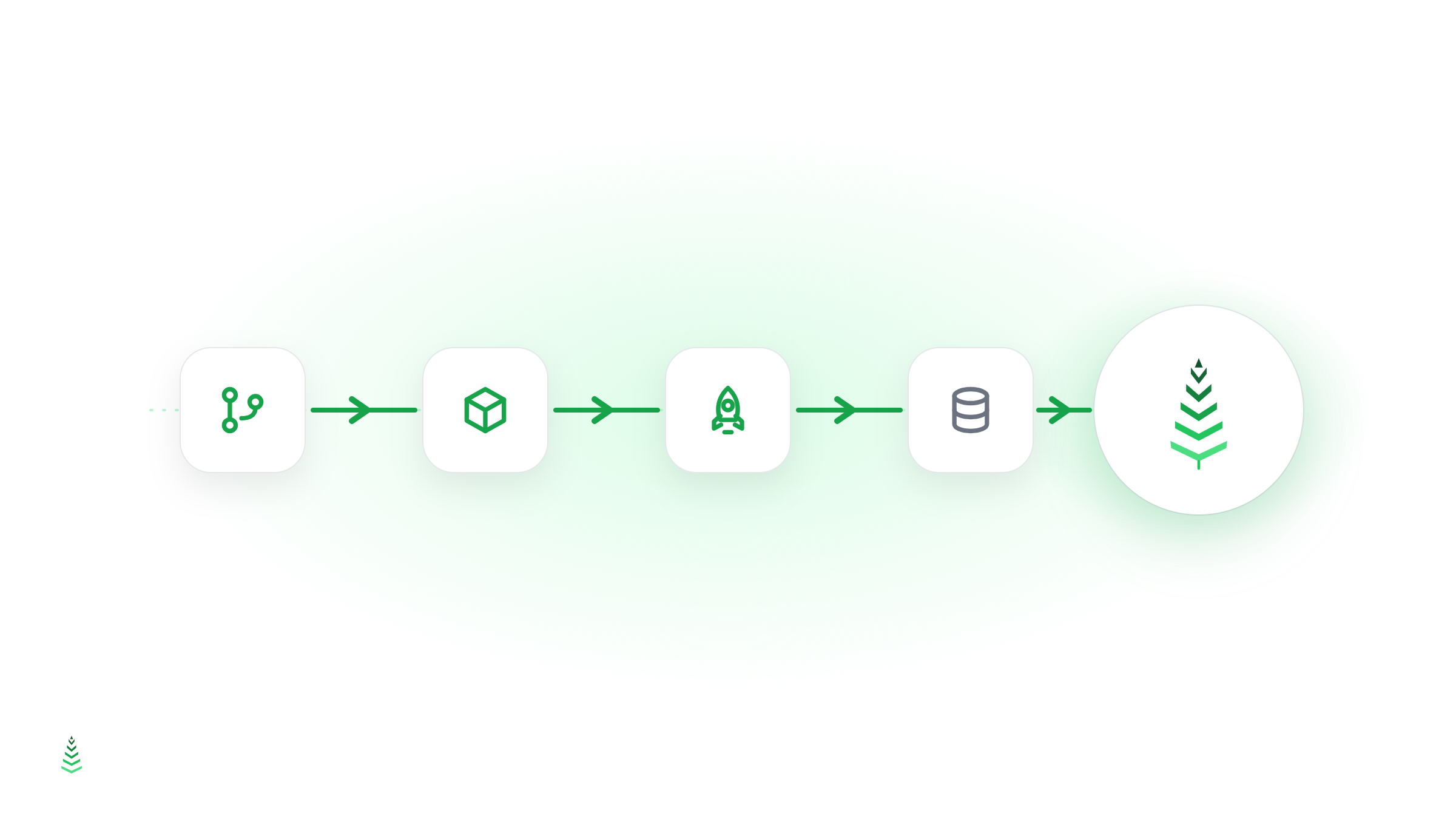
Cache warming (also called cache preheating or cache preloading) is the practice of requesting pages before real visitors do, so that the cache (CDN, reverse proxy, or full-page cache) already holds a fresh copy when actual traffic arrives. Instead of the first visitor paying the "cold cache penalty," an automated agent pays it for them.
The problem: every cache starts cold
A cache only stores what has already been requested. After a deployment, a cache purge, a content update, or simply a TTL expiry, your cache is cold: the next request for each page has to travel all the way to your origin server, wait for PHP, database queries, and rendering, then come back. That first request is routinely 5–20× slower than a cached response.
Three things make this worse than it sounds:
- The first visitor is often the one who matters. A prospect clicking an ad, a journalist checking your press page, or Googlebot crawling a key URL: none of them get a second chance at a first impression.
- Caches expire unevenly. With a typical TTL-based setup, some pages are always cold at any given moment, especially deep pages that get occasional but valuable traffic.
- Crawlers hit cold pages disproportionately. Search and AI crawlers explore your long tail, exactly the pages human traffic doesn't keep warm. Slow responses shrink your crawl budget, as covered in why cache warming matters for SEO and GEO.
How cache warming works
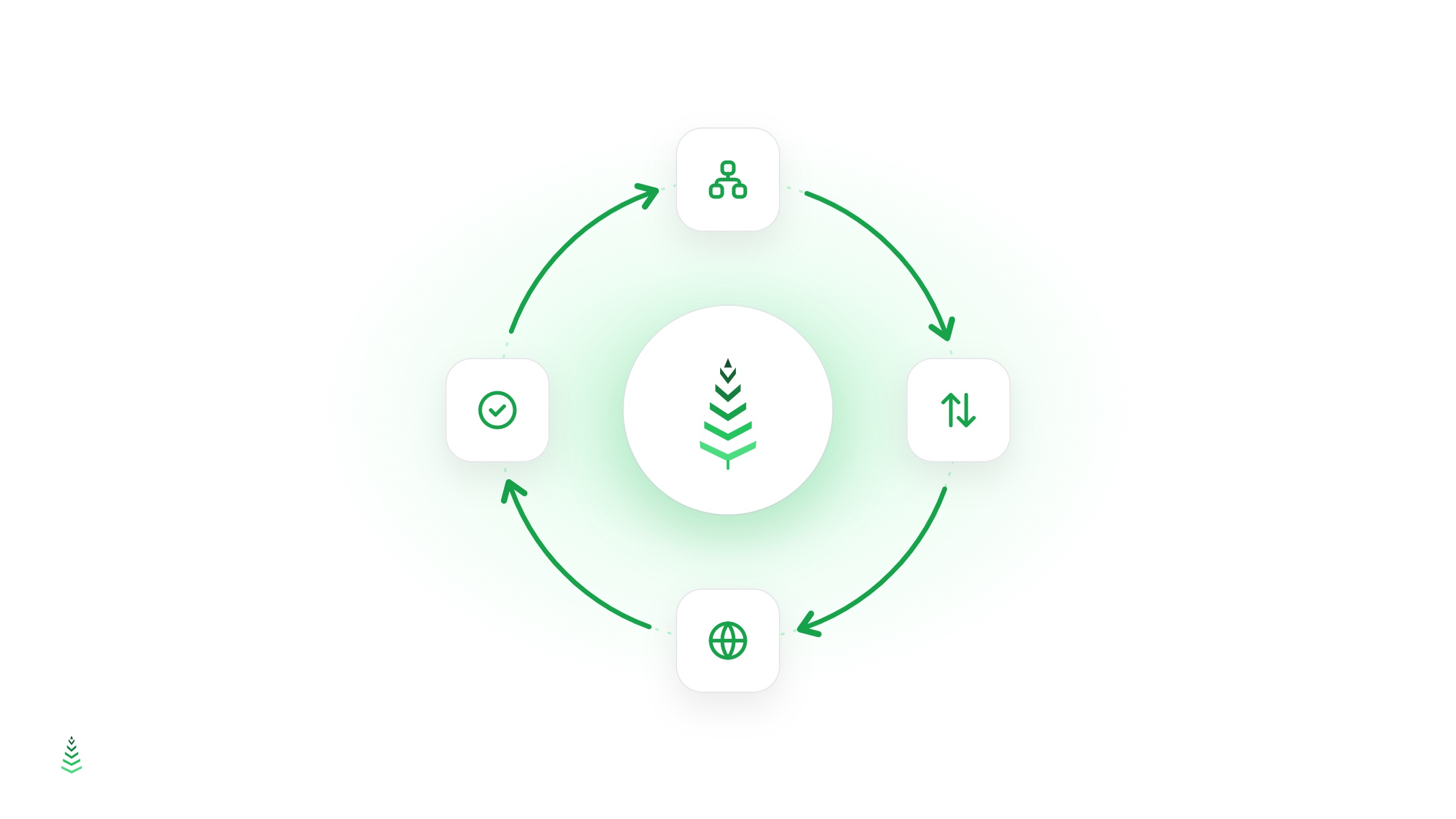
A cache warming system does four things in a loop:
- Discover URLs: usually from your XML sitemap, so the list stays in sync with your real content.
- Prioritize: most-important pages first (homepage, landing pages, money pages), long tail after.
- Request each URL like a normal visitor, with headers that let the cache store the response.
- Verify the result: read response headers such as
CF-Cache-Status,X-Cache, orAgeto confirm the page is now a HIT, and retry or report if it isn't.
The verification step is what separates real cache warming from a naive curl loop: without it, you're warming blind. If you want to check your own numbers, see how to measure your cache hit ratio.
When do you need cache warming?
Cache warming pays off most in these situations:
- After deployments and purges: the whole cache is cold at once. Hooking a warm-up into your pipeline fixes this systematically (guide here).
- Before traffic spikes: flash sales, newsletter sends, product launches.
- Large sites with long tails: catalogs, blogs, documentation, multilingual sites where most pages expire before the next organic visit.
- SEO- and GEO-sensitive sites: you want every crawler request, human or AI, to hit a warm page.
If your entire site fits in a handful of pages that get constant traffic, natural traffic may keep the cache warm on its own; cache warming adds the most value as page count grows and traffic spreads thin.
Cache warming vs. just caching longer
A tempting shortcut is to raise TTLs so pages stay cached longer. It helps, but it trades freshness for speed and does nothing for the post-purge cold start. Cache warming is complementary: keep TTLs appropriate for your content's freshness needs, and let the warmer repopulate what expires. The same logic applies to CDNs: a CDN without warming still serves cold misses, as explained in cache warming vs. CDN.
Frequently asked questions
Does cache warming create fake traffic in my analytics? Server-side caches and CDNs don't run your analytics JavaScript, and a well-behaved warmer identifies itself with a distinct user-agent so you can filter it out.
How often should pages be re-warmed? Just before they expire. If your TTL is one hour, re-warming every ~50 minutes keeps pages permanently warm. Scheduling patterns are covered in the cron expressions guide.
Does it load my server? Warming requests are the same requests your visitors would have made, just moved to a moment you control, at a pace you control. A good warmer throttles itself and respects your origin.
Automating it
You can script the basics yourself, but discovery, prioritization, hit verification, retries, and scheduling add up quickly. That's the gap a managed service closes (comparison of the options here). CacheBoost handles the full loop: sitemap parsing, scheduled warming, HIT/MISS verification, and reporting, so your cache is warm before anyone, human or bot, asks.