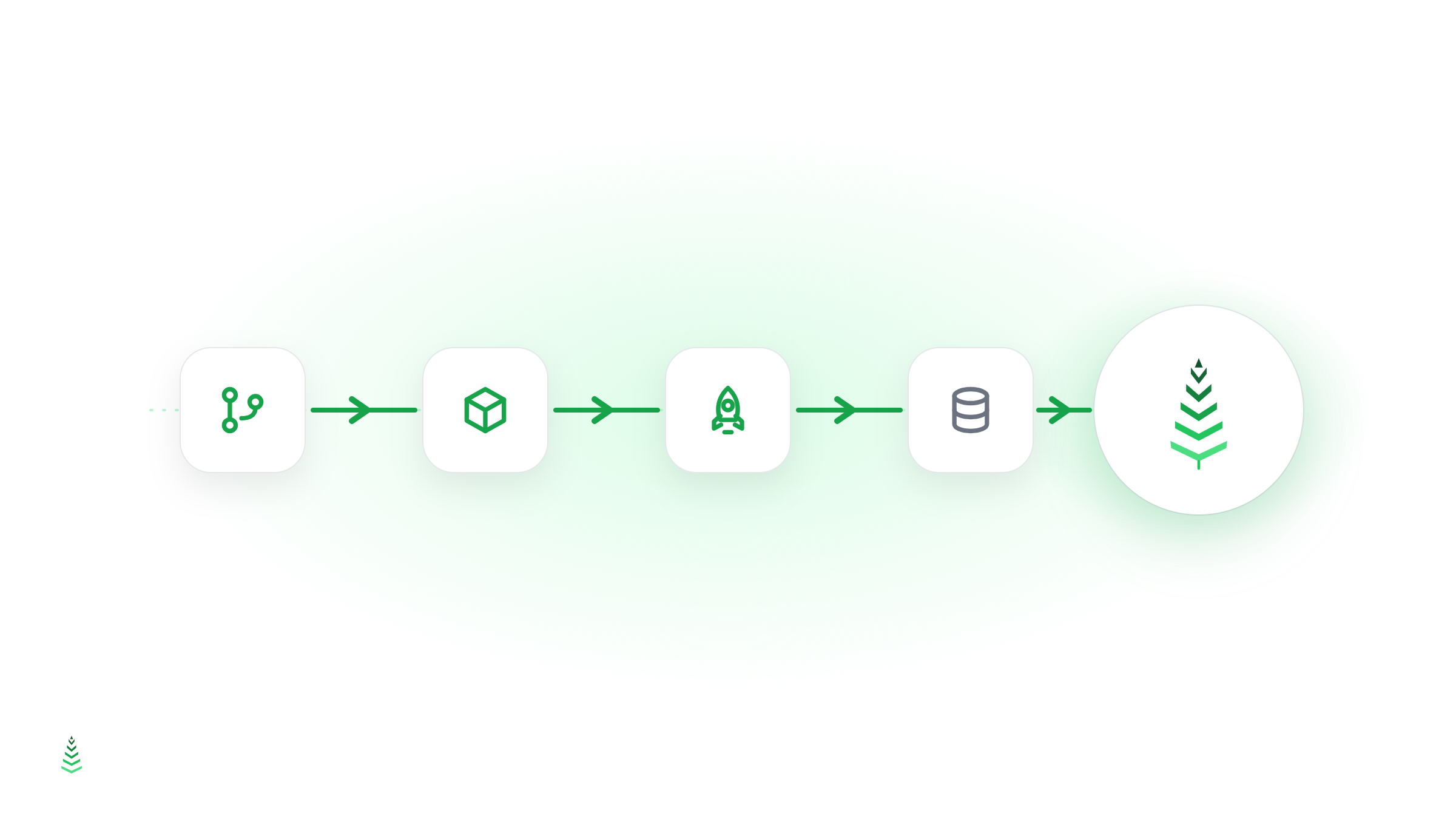
The most reliable fix for post-deploy slowness is to make cache warming the final stage of your CI/CD pipeline: one API call after the deploy step, and the cache is rebuilt before real traffic notices anything happened. This guide shows copy-paste examples for GitHub Actions and GitLab CI, plus how to handle multiple environments.
The deploy → cold cache problem
Every code deployment that clears the cache creates a window where your site is slow. The window might be 30 seconds or 5 minutes depending on your catalog size, but during that window your first real visitors (often the most excited ones, right after you've shipped something new) get a degraded experience.
Making cache warming the last step of your deployment pipeline closes that window. By the time the deployment finishes, the cache is already rebuilt.
Triggering a warm-up from CI/CD
CacheBoost exposes a simple REST API endpoint to trigger a boost run:
POST https://api.cache-boost.com/v1/boosts/{boost_id}/run
Authorization: Bearer cb_live_...
That's a single HTTP request. It fits into any CI/CD system: GitHub Actions, GitLab CI, CircleCI, Bitbucket Pipelines, a Makefile, a shell script.
GitHub Actions example
name: Deploy

on:
  push:
    branches: [main]

jobs:
  deploy:
    runs-on: ubuntu-latest
    steps:
      - name: Deploy to production
        run: ./deploy.sh

      - name: Warm cache
        run: |
          curl -s -o /dev/null -w "%{http_code}" \
            -X POST https://api.cache-boost.com/v1/boosts/${{ secrets.CACHEBOOST_BOOST_ID }}/run \
            -H "Authorization: Bearer ${{ secrets.CACHEBOOST_API_KEY }}" \
            -H "Content-Type: application/json"
Store CACHEBOOST_API_KEY and CACHEBOOST_BOOST_ID as repository secrets. The warm-up call is fire-and-forget: it queues the run and returns immediately, so it doesn't block your pipeline.
GitLab CI example
stages:
  - deploy
  - warm_cache

deploy:
  stage: deploy
  script:
    - ./deploy.sh

warm_cache:
  stage: warm_cache
  script:
    - |
      curl -s -X POST https://api.cache-boost.com/v1/boosts/$CACHEBOOST_BOOST_ID/run \
        -H "Authorization: Bearer $CACHEBOOST_API_KEY"
  needs: [deploy]
Waiting for the warm-up to complete
The trigger endpoint returns immediately. If you want to wait for the run to finish before marking the deployment as successful, you can poll the run status:
# Trigger the run and capture the run ID
RESPONSE=$(curl -s -X POST https://api.cache-boost.com/v1/boosts/$BOOST_ID/run \
  -H "Authorization: Bearer $API_KEY" \
  -H "Content-Type: application/json")
RUN_ID=$(echo $RESPONSE | jq -r '.data.id')

# Poll until complete
while true; do
  STATUS=$(curl -s https://api.cache-boost.com/v1/runs/$RUN_ID \
    -H "Authorization: Bearer $API_KEY" | jq -r '.data.status')
  echo "Run status: $STATUS"
  [ "$STATUS" = "completed" ] || [ "$STATUS" = "failed" ] && break
  sleep 10
done
For most pipelines, fire-and-forget is fine. The warming runs in parallel with any post-deploy checks you have.
Multiple environments
If you have staging and production environments, create one boost per environment:
- Staging boost: covers your staging domain, lower priority user-agents, single region
- Production boost: covers your production domain, all user-agents, all regions
In your CI/CD config, select the right boost ID based on the branch or environment variable:
- name: Warm cache
  run: |
    BOOST_ID=$([[ "$BRANCH" == "main" ]] && echo "$PROD_BOOST_ID" || echo "$STAGING_BOOST_ID")
    curl -s -X POST https://api.cache-boost.com/v1/boosts/$BOOST_ID/run \
      -H "Authorization: Bearer $CACHEBOOST_API_KEY"
Combine with scheduled warming
Triggering on deploy covers code deployments. But content editors don't go through your deploy pipeline: they publish posts directly in the CMS. Combine deploy-triggered warming with a scheduled nightly full warm to cover both cases:
- On deploy: trigger immediately via API
- Nightly at 3am: scheduled full warm via cron expression in the boost config
This two-layer approach ensures that neither code deployments nor content updates leave your cache cold for long.