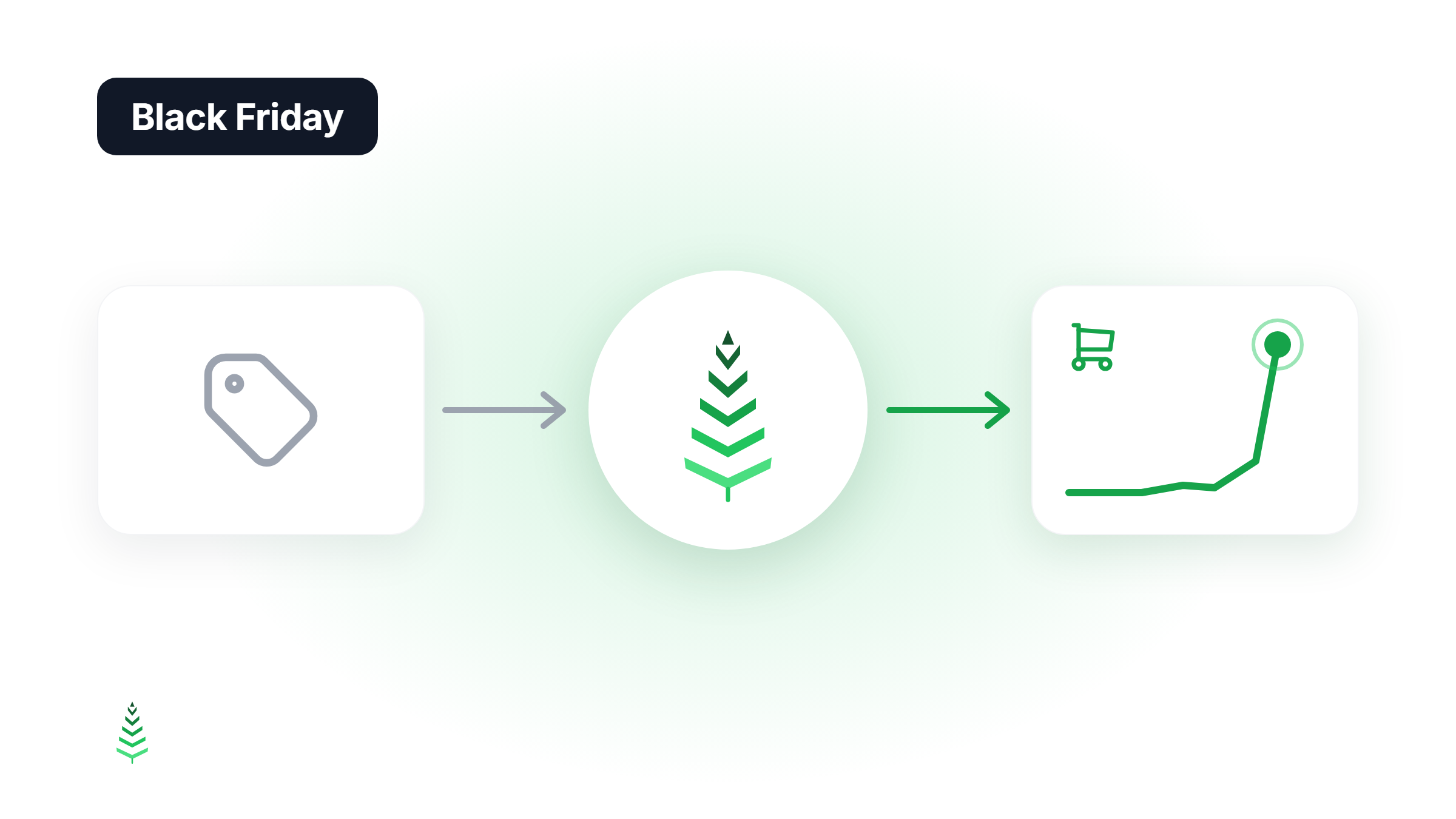
CacheBoost Warmer 1.2.0 is out, and it now supports FlyingPress. Every time FlyingPress purges its cache, the plugin asks CacheBoost to warm the purged pages again, so the next visitor gets a cached page instead of a slow origin render.
Why FlyingPress sites need warming after a purge
FlyingPress is fast once its cache is full. The trouble starts right after a purge: you publish a post, update a plugin or click "Purge", and the purged pages are cold until someone visits them.
FlyingPress preloads its own cache after a purge, but that preload runs from your server. If your site sits behind a CDN such as Cloudflare, each data centre keeps its own copy of the page (why a CDN alone doesn't keep you warm). Your visitors in Madrid or Montreal still get a MISS until the CDN edge near them has been filled.
CacheBoost fills those edges by requesting your pages from the regions you choose, right after the purge.
What's new in 1.2.0
- Full purge (all pages, or the whole cache): CacheBoost runs your full warming boost on the entire site.
- Page purge: only the purged URLs are warmed, not the whole site.
- One warm per burst: purges less than a minute apart trigger a single warm, so two warming runs never compete and your HIT/MISS stats stay readable.
- On by default: a new FlyingPress option appears in the plugin settings when FlyingPress is active. Untick it to turn the feature off.
Update to 1.2.0 from your WordPress dashboard. Nothing else to configure.
A quick reminder: what the plugin does
CacheBoost Warmer listens to the WordPress events that purge your cache and triggers the right warm:
- Smart mode warms only the affected URLs when you save a post or edit a term: the post, its category pages and the home page.
- Full mode warms the whole site after a global change: a full cache purge, a theme or menu change, or a plugin update.
- WooCommerce: product pages are re-warmed on save, and optionally when stock changes.
- Non-blocking: the API call is sent in the background, and several events in the same request produce a single call.
Warming runs on CacheBoost's servers in 12 regions, not on your hosting. The free plan covers 500 URLs per month, and the Connect to CacheBoost button sets everything up in a few clicks.
Compatible cache plugins
| Cache plugin | Full purge | Single page purge |
|---|---|---|
| WP Rocket | Full warm | Page warm |
| W3 Total Cache | Full warm | Page warm |
| LiteSpeed Cache | Full warm | Page warm |
| WP Super Cache | Full warm | Page warm when the post is saved |
| FlyingPress | Full warm | Page warm |
Detection is automatic. Without any cache plugin, CacheBoost still warms your CDN or reverse proxy (Varnish, nginx) through the WordPress events. To check the result, look at your cache hit ratio after a purge.
Install from WordPress.org
Get CacheBoost Warmer 1.2.0 from WordPress.org, or update it from your dashboard.
View on WordPress.org