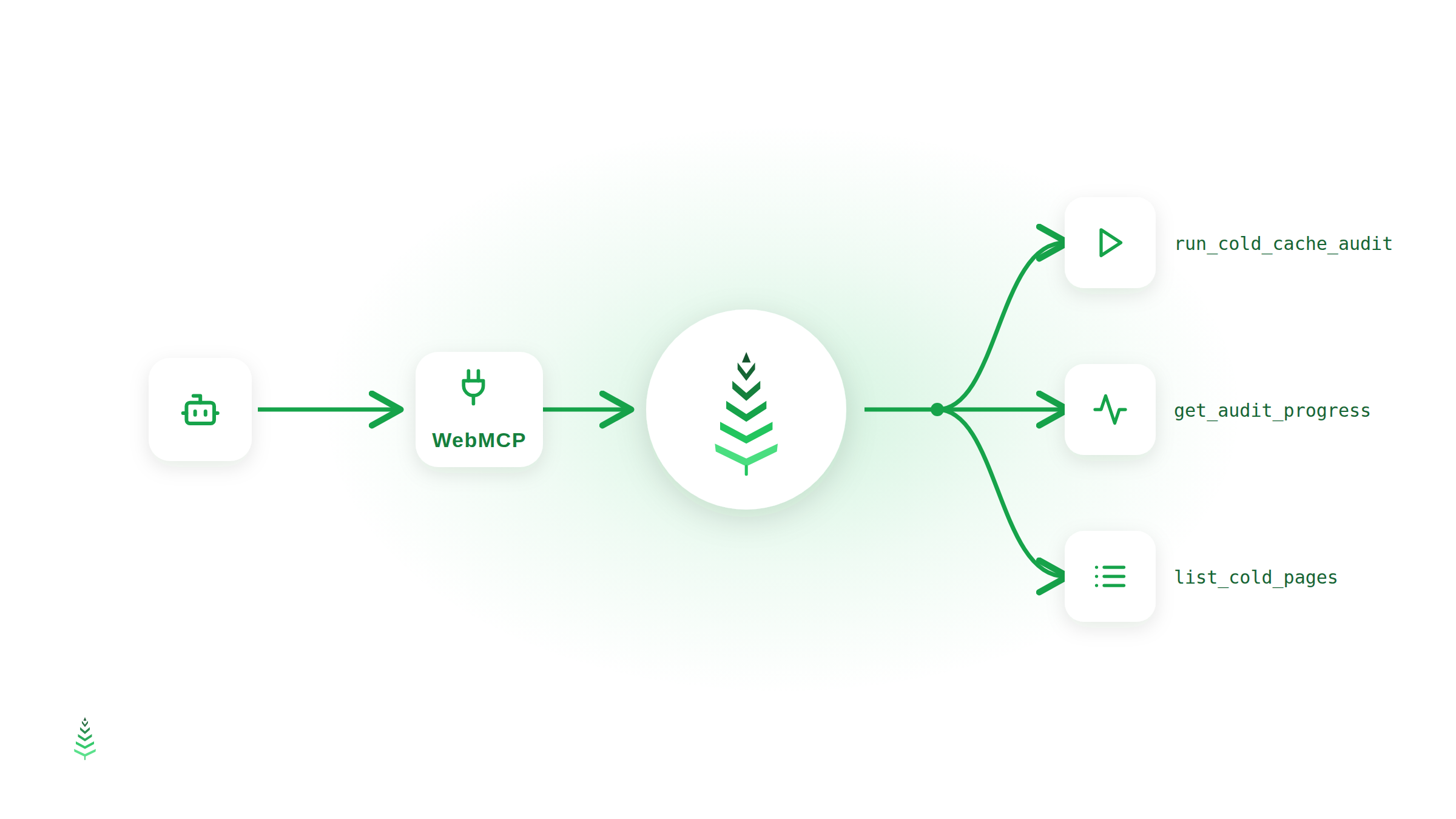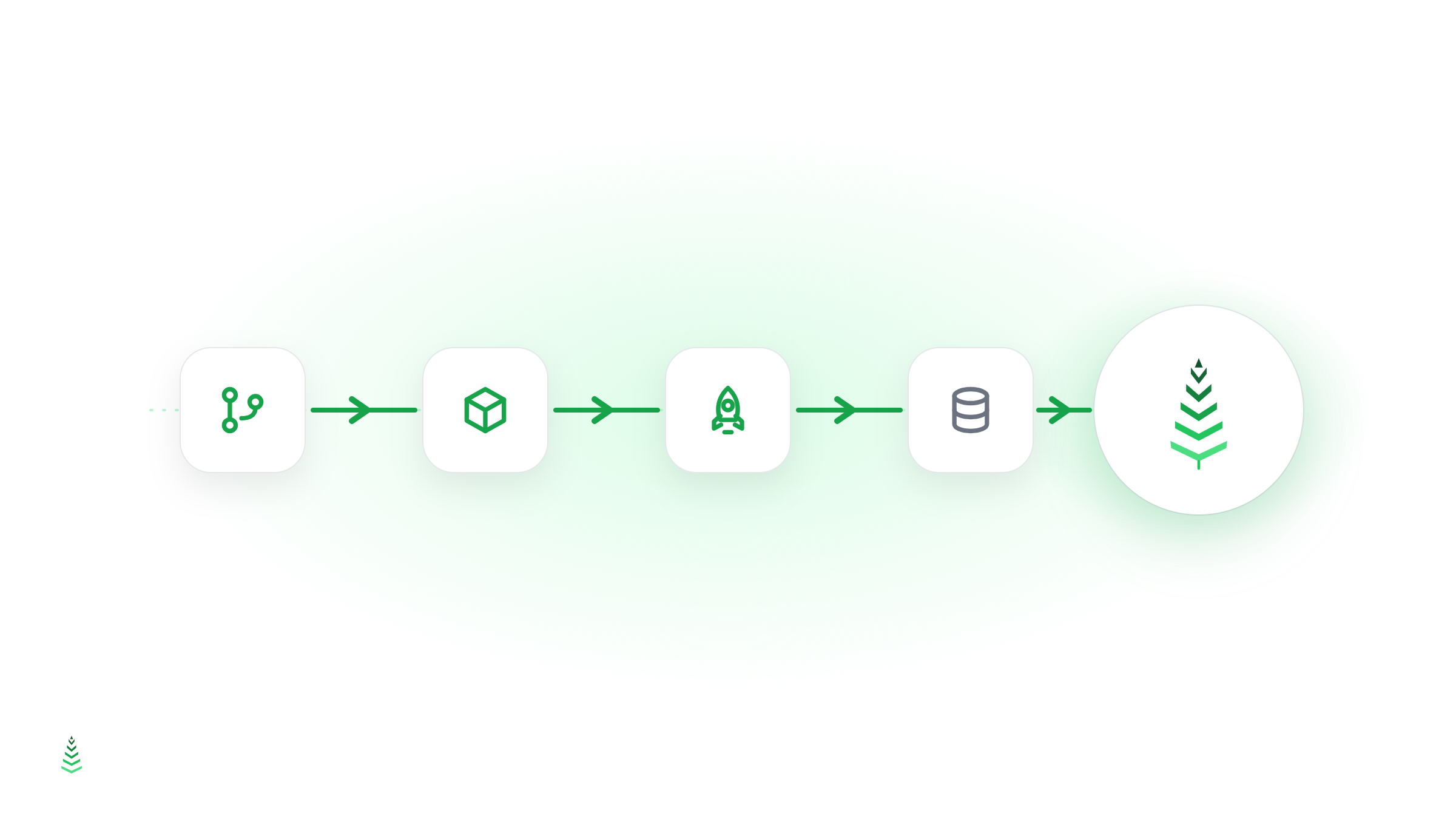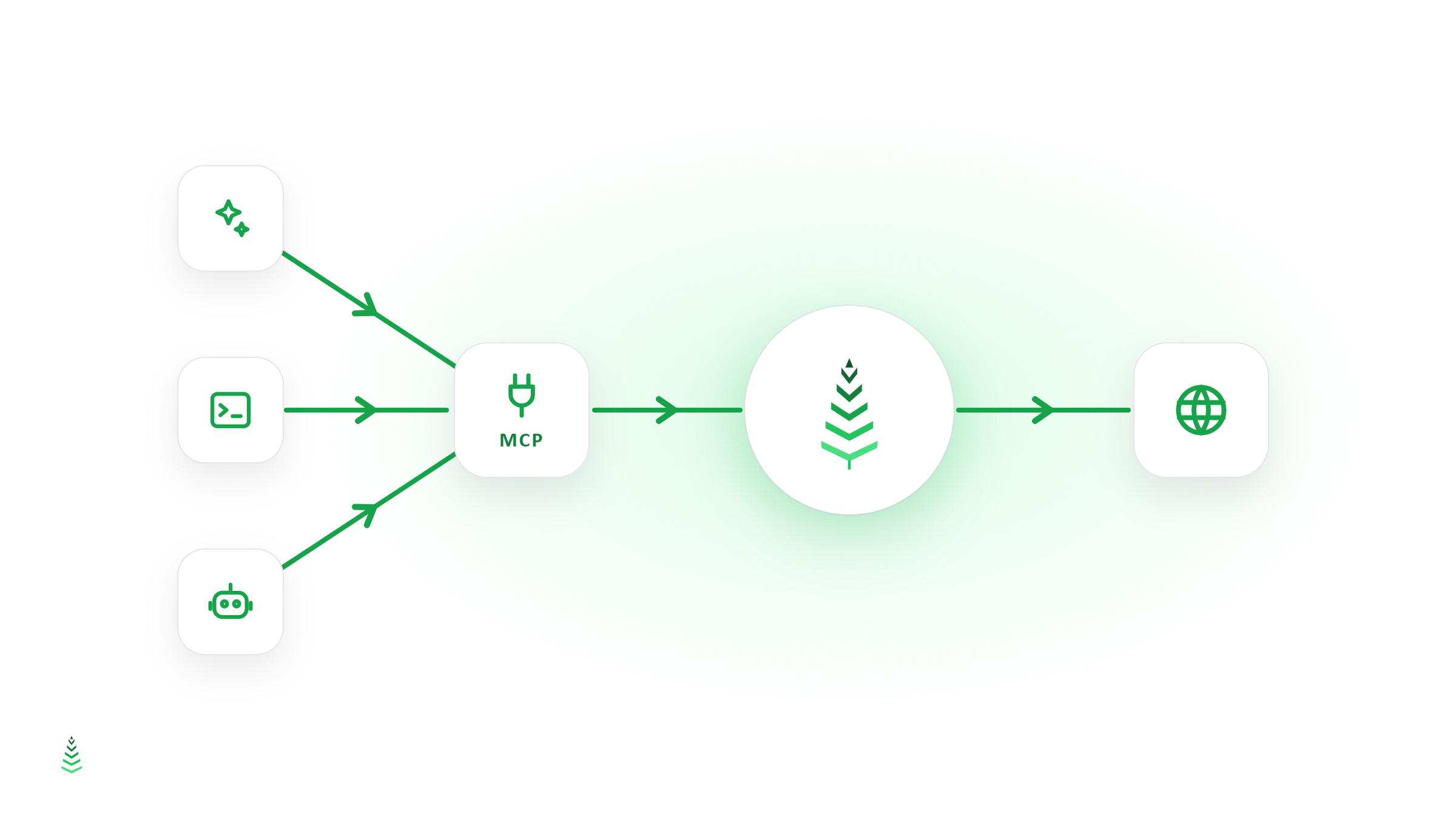
CacheBoost now ships a remote MCP server. If you work in Claude Desktop, Claude Code, Cursor, or any other MCP-compatible client, you can warm caches and inspect runs directly from your assistant — using the same API and the same keys you already have. No SDK, no glue code, no new credentials.
This post explains what the MCP server is, how to connect it, and what it lets you do.
What is MCP, and why expose one?
The Model Context Protocol (MCP) is an open standard that lets AI assistants call external tools in a structured, authenticated way. Instead of copy-pasting curl commands or wiring an integration by hand, you point your client at a server URL, and the assistant discovers the available tools and calls them on your behalf.
CacheBoost's MCP server is a thin, secure layer over our public REST API. Every tool maps to an existing /v1 endpoint, so the behaviour — scopes, quotas, per-key site restrictions, same-origin validation — is exactly the one you already rely on.
Authentication: your existing API key
The MCP server reuses CacheBoost API keys. Create one in the app under Profile → API Keys, grant it the scopes you need, and copy the cb_live_… value. The key is sent in the X-API-Key header:
X-API-Key: cb_live_...Scopes are enforced per tool, so a read-only key can list sites and runs but cannot trigger a warm. Grant boosts:write only to keys that should be allowed to warm.
Connecting a client
The MCP server is a remote Streamable HTTP endpoint:
https://api.cache-boost.com/mcpCacheBoost is listed in the official MCP registry as com.cache-boost/cacheboost. If your client browses the registry, search for CacheBoost there and paste your key when it asks for X-API-Key — the endpoint and transport come from the listing, and you can skip the rest of this section.
For a client without a directory, the manual equivalent is a small block of configuration — a URL plus an X-API-Key header:
{
  "mcpServers": {
    "cacheboost": {
      "type": "http",
      "url": "https://api.cache-boost.com/mcp",
      "headers": { "X-API-Key": "cb_live_..." }
    }
  }
}
In Claude Code, the same thing from the command line:
claude mcp add --transport http cacheboost https://api.cache-boost.com/mcp \
  --header "X-API-Key: cb_live_..."
In Claude, add it as a custom connector (Settings → Connectors → Add custom connector) with the URL above. CacheBoost authenticates with an API key, not OAuth, so:
- Authentication: choose No authentication.
- Request headers: add
X-API-Keywith yourcb_live_…key.
Use X-API-Key rather than Authorization here: the connector does not forward a custom Authorization header.
Exact steps per client are in the MCP support documentation.
What you can do
The server exposes a focused set of tools, each mapped to a /v1 endpoint and gated by the same scope:
| Tool | Purpose | Required scope |
|---|---|---|
whoami |
Identity of the current key | — |
list_sites |
List the sites the key can access | sites:read |
get_site |
Fetch one site | sites:read |
warm_site |
Warm a list of same-origin URLs, returns a run_id |
boosts:write |
list_warm_runs |
List a site's warm runs (to poll status) | boosts:read |
get_run |
Detailed status and cache-hit stats for a run | runs:read |
list_runs |
List runs across the key's sites | runs:read |
The natural use case: warming after a deploy
The most useful workflow is post-deploy warming. Instead of scripting it, you can simply ask:
"Warm the critical URLs of example.com, then tell me when the cache is hot."
The assistant calls warm_site with your URLs, receives a run_id, and polls list_warm_runs / get_run until the run completes — reporting the cache-hit ratio when it's done. The warming itself runs asynchronously on our infrastructure, exactly as it does through the API or the dashboard.
This complements, rather than replaces, the CI/CD approach: pipelines remain the right tool for automated, unattended warming, while the MCP server is there for the interactive moments — verifying a release, warming an ad-hoc set of URLs, or checking why a run underperformed.
A note on protocol versions
The server currently implements the stateful MCP protocol lineage, from 2024-11-05 up to 2025-11-25, which current MCP clients support. The newer stateless 2026-07-28 revision is not supported yet; it will follow as SDKs adopt it.
Getting started
- Create an API key in Profile → API Keys with the scopes you need.
- Add
https://api.cache-boost.com/mcpto your MCP client with anX-API-Keyheader (in Claude: custom connector, No authentication). - Ask your assistant to warm a site — and watch the run complete.
Full setup instructions, per-client configuration, and the complete tool reference are in the MCP support documentation.