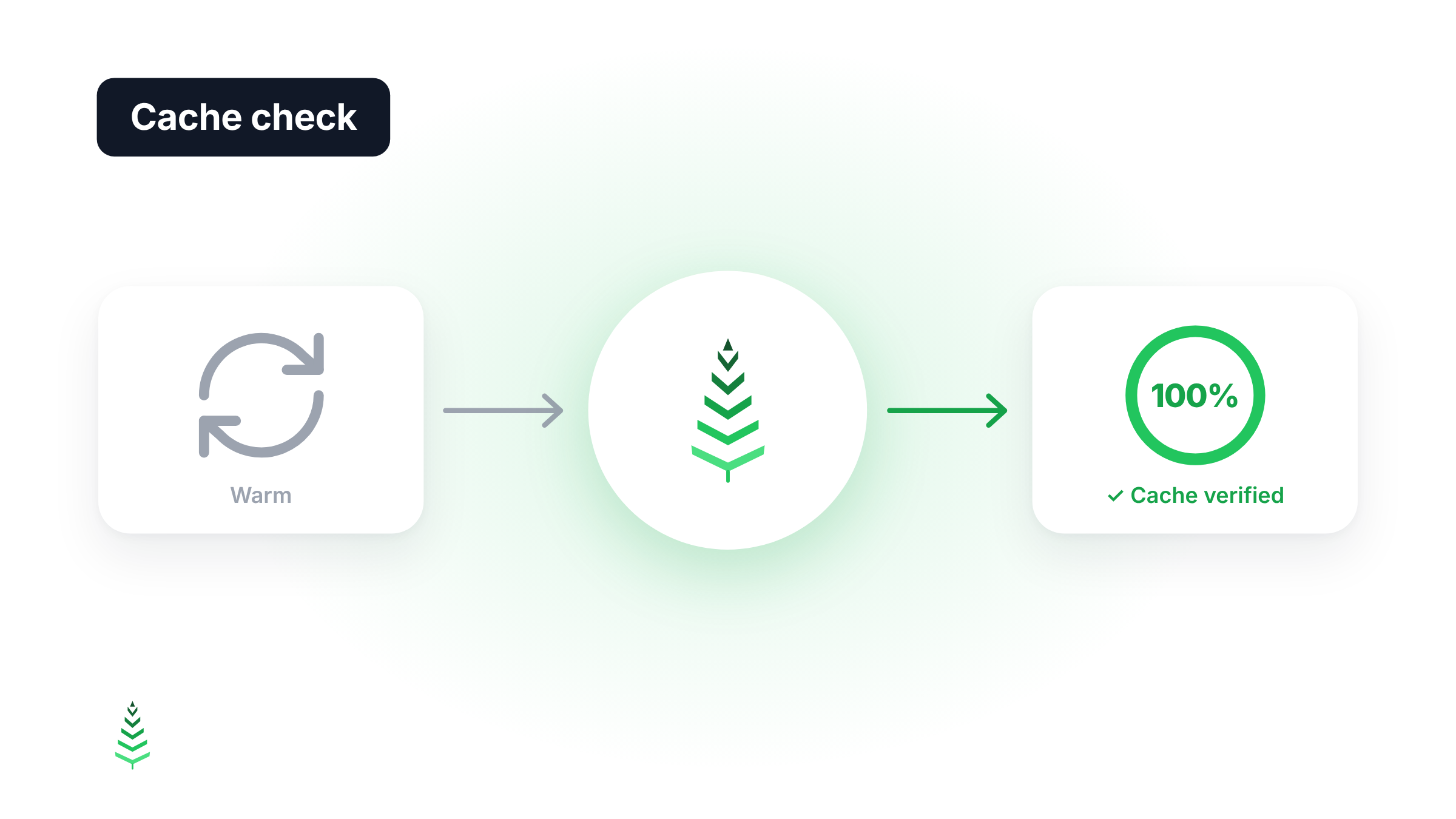
A boost requests your pages to fill the cache. But requesting a page doesn't guarantee it stays cached: if it sends Cache-Control: private or a session cookie, the CDN serves it once and forgets it, and the next visitor still gets a MISS.
The cache check answers that question after every boost: are your pages really served from cache?
The hit ratio during the boost isn't enough
Until now, every run showed the cache hit ratio measured during the boost. That number is easy to misread:
- a low ratio, even 0%, doesn't mean the boost did nothing. It found cold pages and warmed them;
- a high ratio says the pages were already cached, not that they'll stay cached after this pass.
Neither tells you whether the warmed pages stayed in cache. That's what the check measures.
How the check works
Once warming is done, CacheBoost requests a share of the URLs again under the same conditions as the first call: same region, same user agent, same cookies and headers. Each second response is classified:
- Served from cache: the CDN answers HIT.
- Probably cached: the CDN exposes no cache status, but the second response is at least twice as fast as the first.
- Not kept by the cache: the CDN answers MISS. CacheBoost reads the response headers to tell you why.
- Inconclusive: the response came from a different point of presence (POP) than the first call, the call failed, or no cache status could be found. These calls are left out.
The result is the share of pages served from cache among the conclusive calls. At 80% or more, the run shows Cache verified. Below that, Cache needs fixing.
If your site sends no cache status, which is common without a CDN, no page can be counted as a MISS. The verdict then becomes Probably cached, and the percentage covers the whole sample: 3 faster pages out of 10 give 30%, not 100%.
What you see on every run
A run's detail page now shows:
- The check result: for example "17 of 17 pages cached after the boost", with the Cache verified or Cache needs fixing badge.
- Pages warmed: how many pages were cold before the boost.
- Measured gain: the average response time of the first call against the second, for example 327 ms → 168 ms per page (−49%).
- During the boost / After: both ratios side by side, so you see at a glance what the boost changed.
- Status per URL: at warm time (warmed or already cached), then at check time (confirmed, not kept or inconclusive).
The check rate also shows in the run list, in the boost's history chart and in the run report email. If your pages expire before the next boost, the app says so and suggests a longer TTL or a more frequent boost.
Why a page isn't kept
When a page comes back as a MISS on the second call, the cause found is shown next to the URL:
| Cause | What happens |
|---|---|
Cache-Control: no-store |
The CDN doesn't cache the page. |
Cache-Control: private |
The CDN doesn't cache the page. |
Cache-Control: no-cache |
The CDN revalidates the page with the origin on every call. |
max-age=0 |
The page expires immediately. |
Set-Cookie |
A page that sets a cookie is usually not cached. |
Vary: Cookie |
One version per cookie, rarely reused. |
Vary: User-Agent |
One version per browser, rarely reused. |
| CDN reports DYNAMIC or BYPASS | The CDN bypassed its cache for this page. |
These are the same causes that pull your cache hit ratio down day to day. The difference: you now know which pages are affected, and why, from the very next run.
A real example
On a 1,690-URL site, one run shows:
- only 39% of pages cached during the boost: 1,037 pages were cold, and the boost warmed them;
- 100% on the check: with the check set to 1%, all 17 sampled pages were served from cache;
- response time down from 327 ms to 168 ms per page between the first and second call (−49%).
Without the check, this run would only have shown 39%, which looks like a problem. In fact, the boost warmed over 1,000 cold pages and the CDN kept them. That used to be an assumption. Now it's measured on every run.
Setting up the check
The setting lives in each boost's settings, under Cache check:
- Off, 1%, 10%, 50% or 100% of warmed calls. New boosts start at 10%.
- At least 5 pages per region: on a small site, 1% would mean less than one page. The sample is therefore always at least 5 pages per warmed region.
- Counted in your quota: each check call counts as one call. The form shows an estimate of the calls added per run and per month. If your quota isn't enough, the sample is reduced, or the check is skipped for that run.
For routine monitoring, 1% or 10% is enough. To diagnose a problem, switch to 50% or 100% for a while.
In the API and the MCP server
The check is also available to your integrations:
validation_ratio(0,1,10,50or100) when creating and updating boosts, when starting a run, and on on-demand warming (off by default).- Runs return a
validationblock (pages checked, HITs, MISSes, causes, average times) and avalidation_status:verified,to_fix,probable,not_verifiedorin_progress. See the runs reference. - The MCP server follows the same model:
warm_siteacceptsvalidation_ratio, andget_runandlist_warm_runsreturn the verdict. Your assistant can warm your pages, then tell you whether the cache held.
The cache check is available now on every boost. Open a boost's settings, pick a percentage, and the next run will tell you whether your pages stay cached.